Project Overview & Vision
In indoor environments, where people spend the majority of their day, indoor air quality significantly affects concentration, well-being, and long-term health. However, conventional smart-home solutions often suffer from severe drawbacks: they enforce proprietary cloud services, carry data privacy risks, and only provide superficial readings without direct automated control loops.
The AirQuality Monitor project was created as an extensive semester project during the 4th semester at the Technical University of Applied Sciences Würzburg-Schweinfurt (THWS) in the Programming Project course. The goal was to develop a completely local, real-time capable, and modular end-to-end IoT platform that operates entirely without cloud dependency (Privacy-by-Design).
The system combines high-precision particulate sensing (down to ultrafine P0.1 particles), automated device control of actuators (Wi-Fi smart plugs for air filters and humidifiers), a physical ESP32-based LED traffic light via MQTT, and an intuitive web dashboard with session-based data history.
My Role & Core Contributions
As part of a 4-person development team, my personal focus was on embedded firmware, hardware integration, IoT communication, and DevOps/container deployment:
- Firmware Development (ESP32 & C++):
-
Conception and implementation of the modular C++ firmware using PlatformIO (replacing the monolithic Arduino IDE for clean header/source separation and reproducible builds).
-
Development of the
LedControllerandFadeHelperfor smooth, non-blocking RGB color transitions (linear interpolation) and visual warning states (pulsing/blinking) withoutdelay(). -
Integration of the
MqttManagerandWiFiManagerwith automatic reconnect logic and robust error handling during network outages.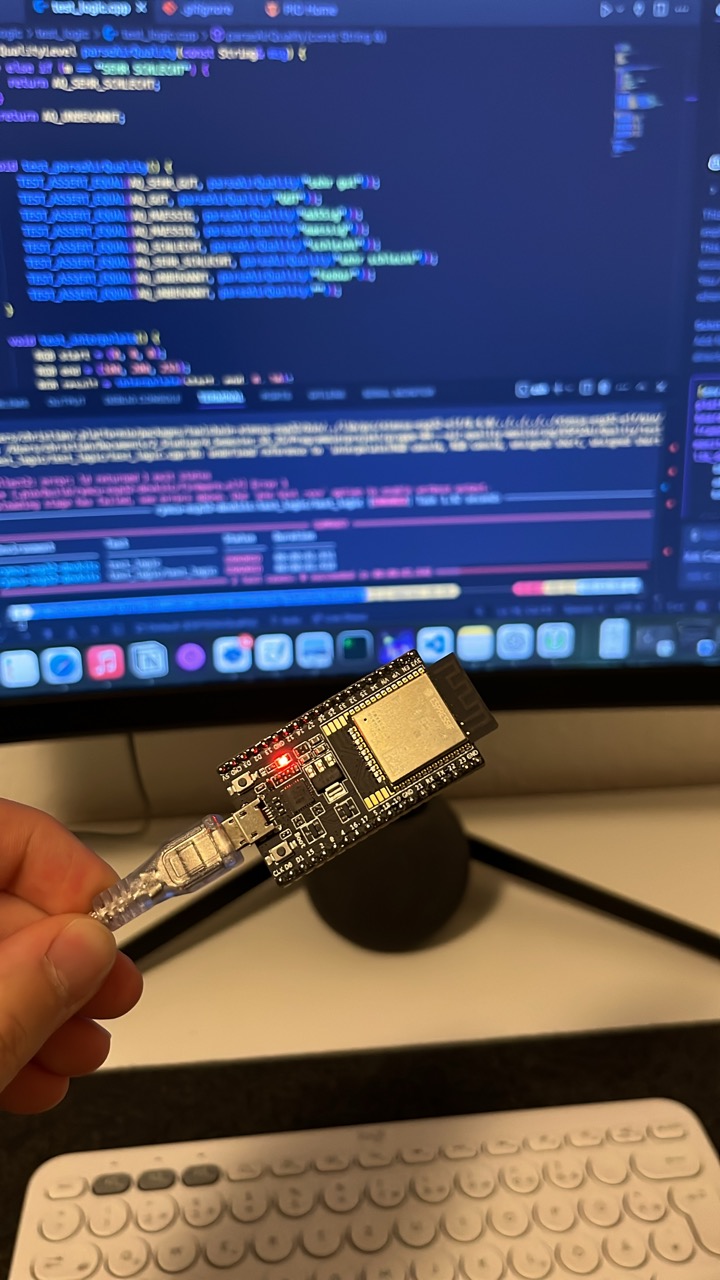
-
- Hardware Assembly & Prototyping:
-
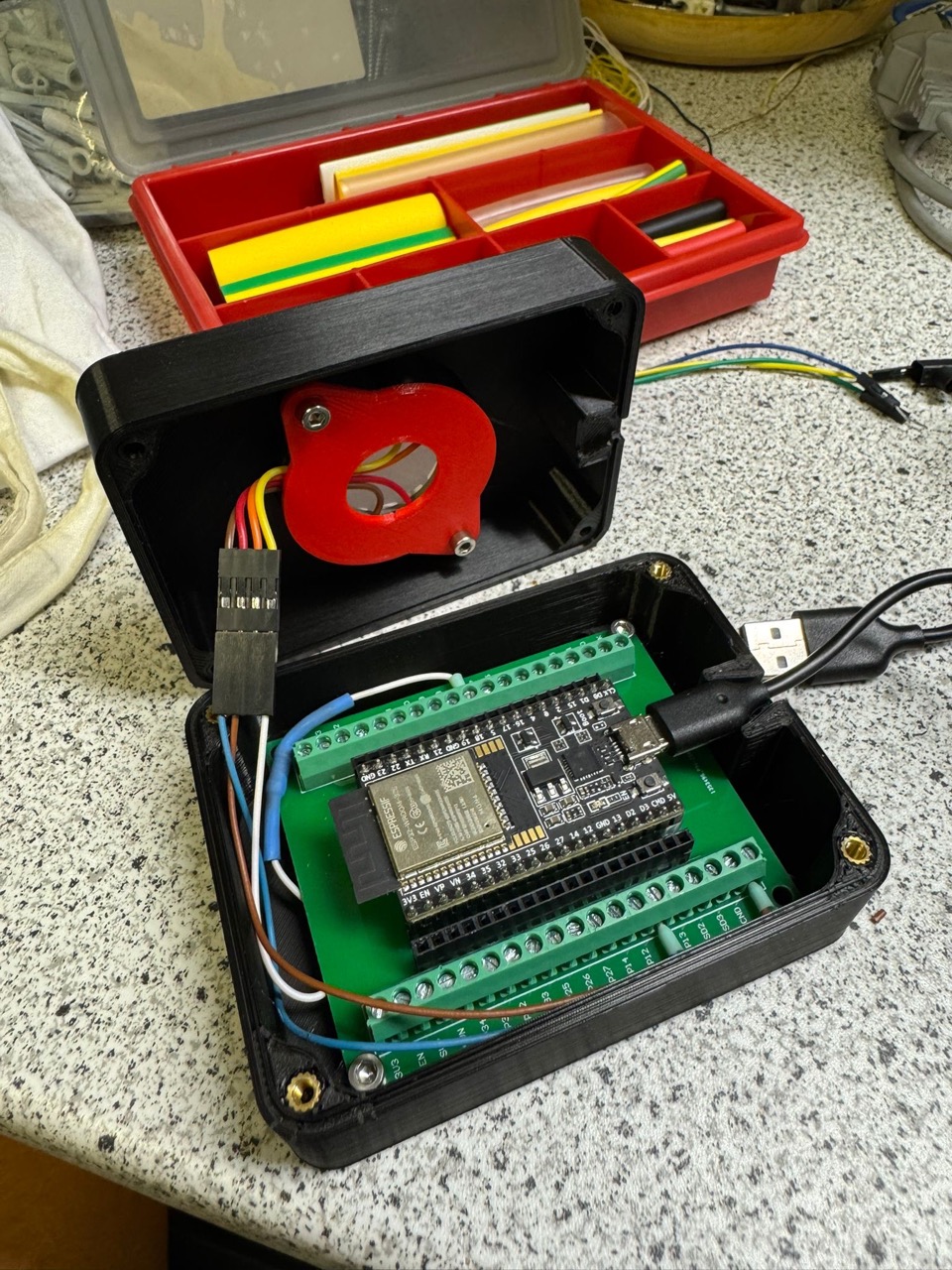
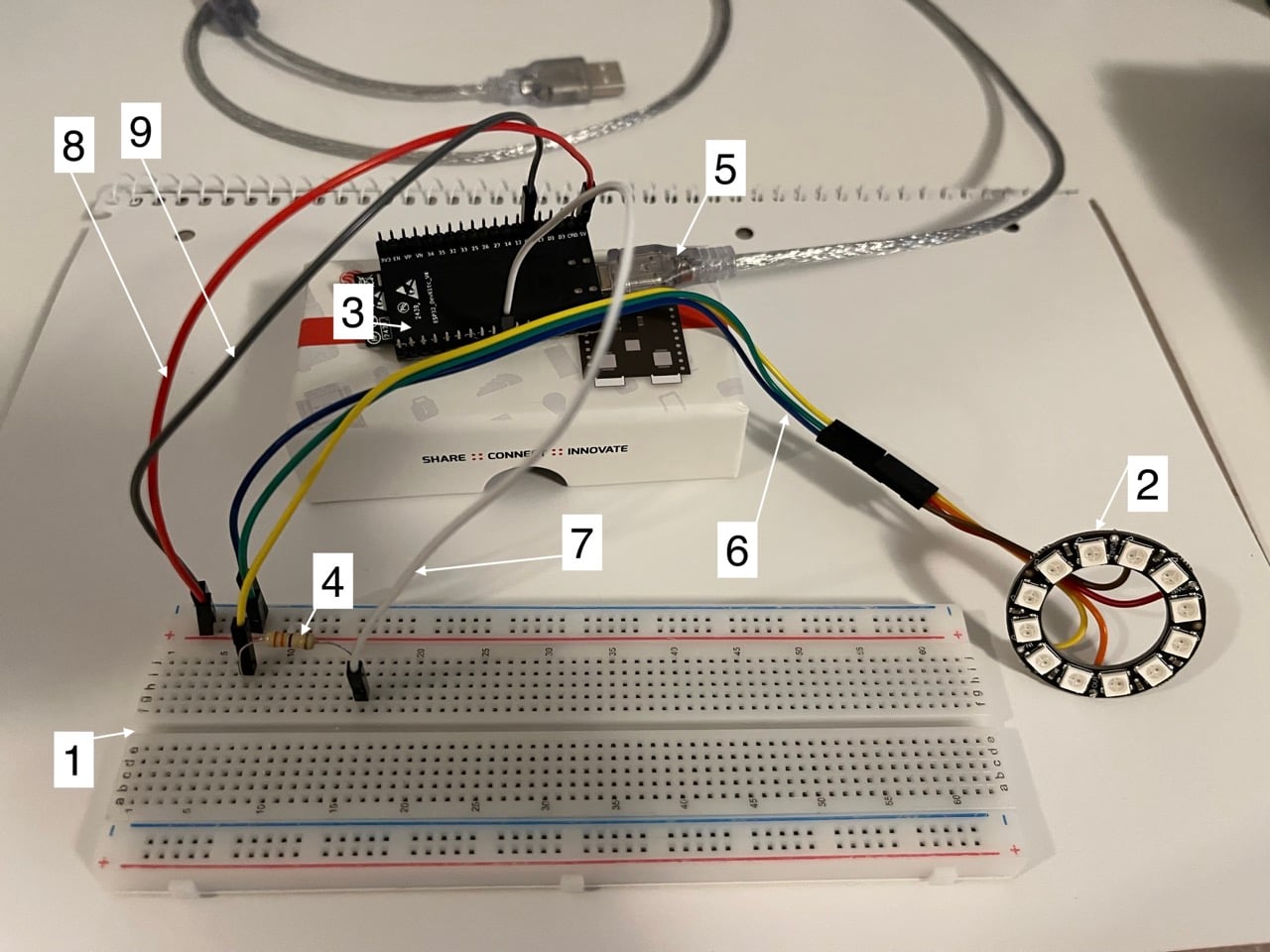
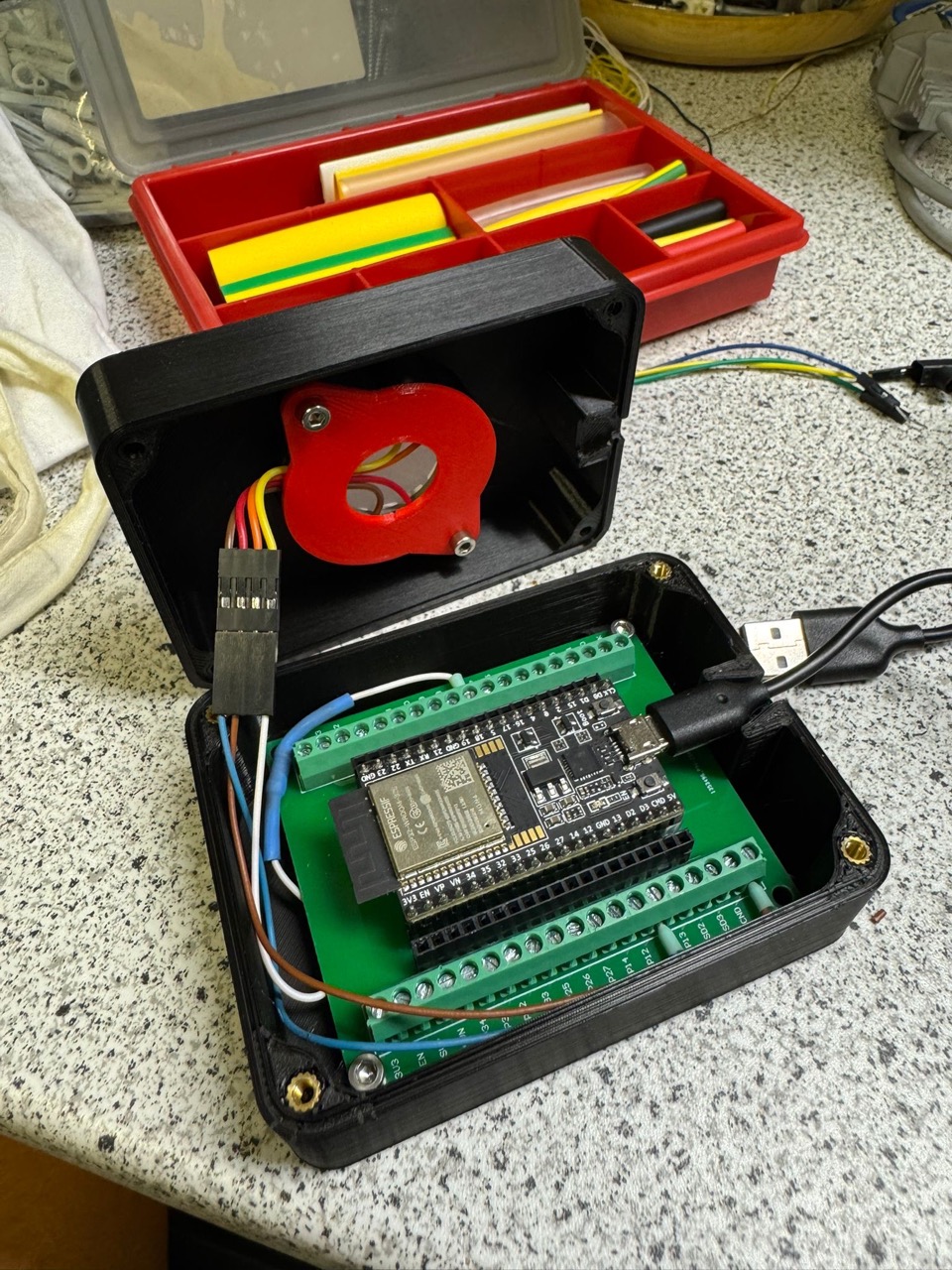
Modifying and soldering jumper wires to the power and data terminals of the NeoPixel 12-bit LED ring.
-
Circuit setup on the breadboard with a series resistor (330 Ω) and signal protection for the data line from GPIO pin 5 of the ESP32.
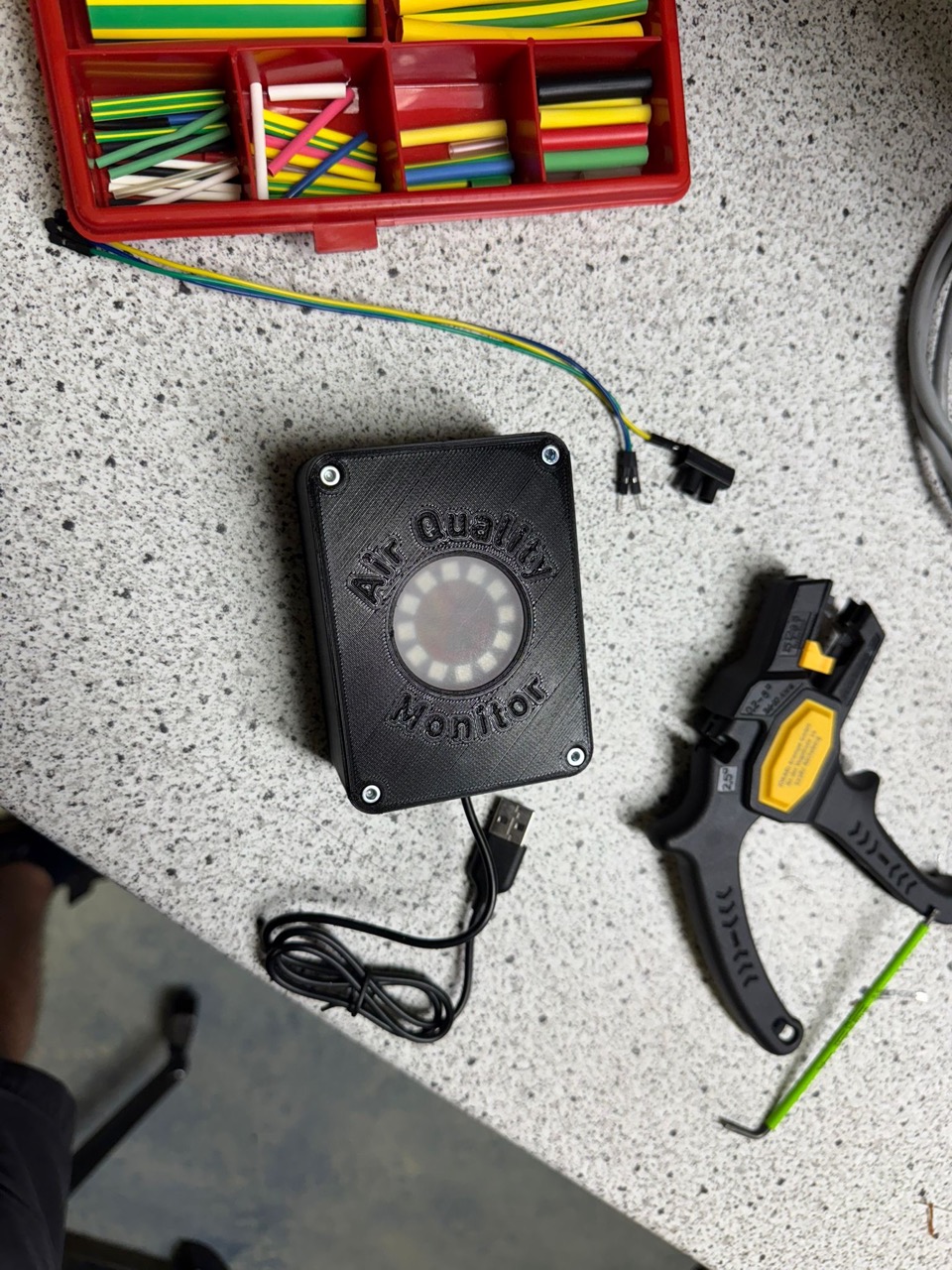
-
- Testing & Quality Assurance on Host Level:
- Establishment of a hardware-independent test approach using the C++ framework Catch2: Unit tests for AirQuality parsing, RGB color interpolations, and threshold limits ran in milliseconds directly on the PC (Host Testing), independent of physical hardware.
- Deployment & Containerization:
- Conception and creation of multi-stage Dockerfiles for the frontend (Node.js build stage + slim NGINX Alpine image) and the Python/FastAPI backend for rapid deployment in the local network.
System Architecture & Data Flow
The overall system connects sensors, edge compute, actuators, and user interfaces via decoupled protocols:
flowchart TD
    subgraph Edge["Edge Gateway (Raspberry Pi)"]
        Canaree["Canaree I5 Sensor (USB)"] -->|"Serial Raw Data"| Reader["Python SensorReader"]
        Reader -->|"Structured Data"| Backend["FastAPI Backend (Async Loop)"]
        Backend -->|"Write Metrics"| DB[("SQLite Database<br/>(Session-based)")]
        Backend -->|"AirQualityRules"| Rules["Rating & Rule Engine"]
        Rules -->|"TP100 REST API"| Plugs["Tapo Wi-Fi Smart Plugs<br/>(Fan / Diffuser)"]
        Rules -->|"MQTT Publish"| Broker["Mosquitto MQTT Broker"]
    end

    subgraph IoT["IoT Notification Layer"]
        Broker -->|"MQTT Subscribe<br/>airquality/command/led"| ESP["ESP32 DevKit C"]
        ESP -->|"FastLED / PWM"| NeoPixel["NeoPixel RGB Ring<br/>(5-Level Status Indicator)"]
    end

    subgraph UI["Visualization & Client"]
        Backend -->|"WebSockets (Live 1Hz) & REST"| Dashboard["React SPA (Vite + Tailwind)"]
        Dashboard -.->|"Manual Overrides / Export"| Backend
    end